CleanLog mobile
Get the CleanLog app.
For cleaners and on-site supervisors. Clock in, check your shifts, and run your checklists from your phone.

Free to use. Sign in with the email or phone number your manager invited you with.
01 · On shift
Everything for your shift, in one app.
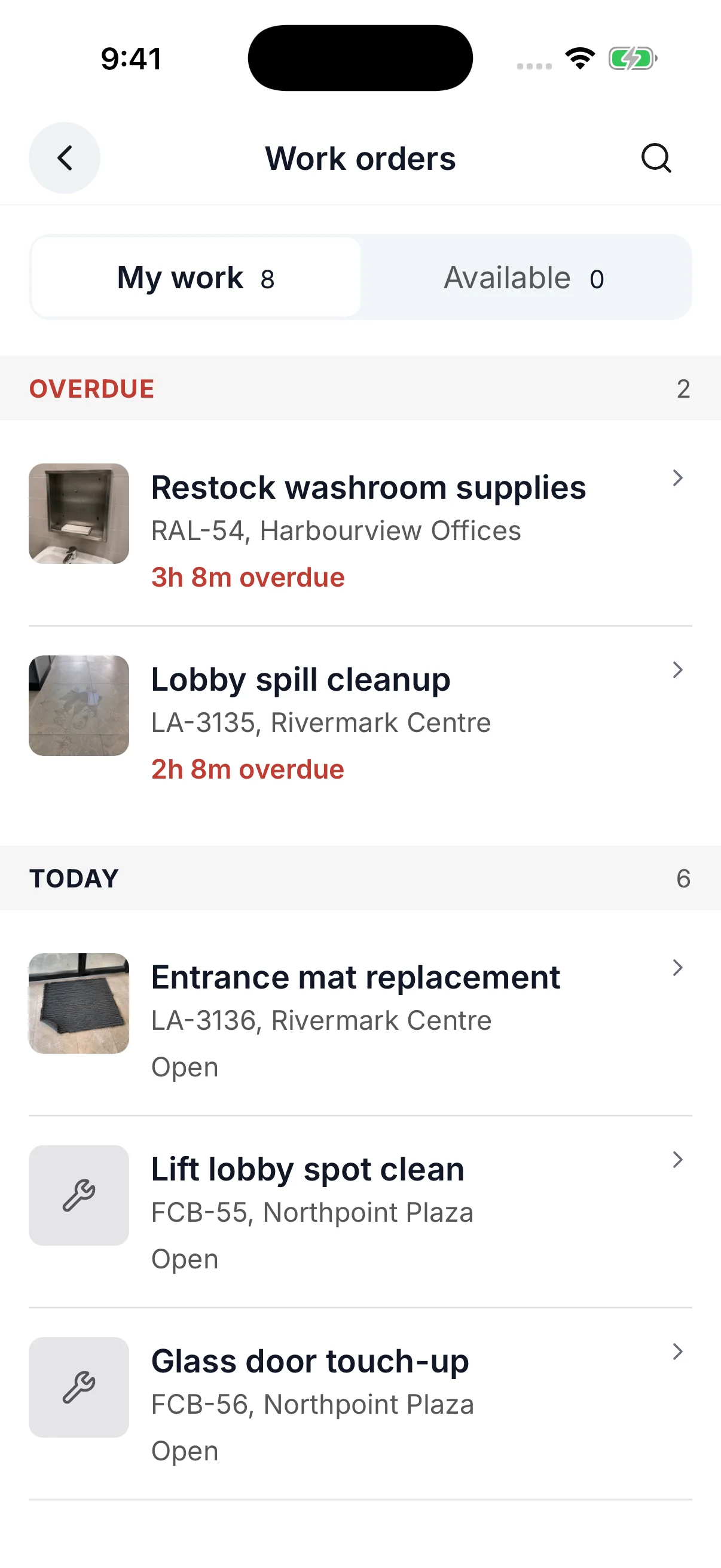
Your schedule, your work orders, and your checklists in one place. Clock in when you arrive and get on with the work.
- Clock in
- GPS or a QR code at the site. Timestamped to the minute.
- Shifts
- Today's schedule, upcoming work, and where to be.
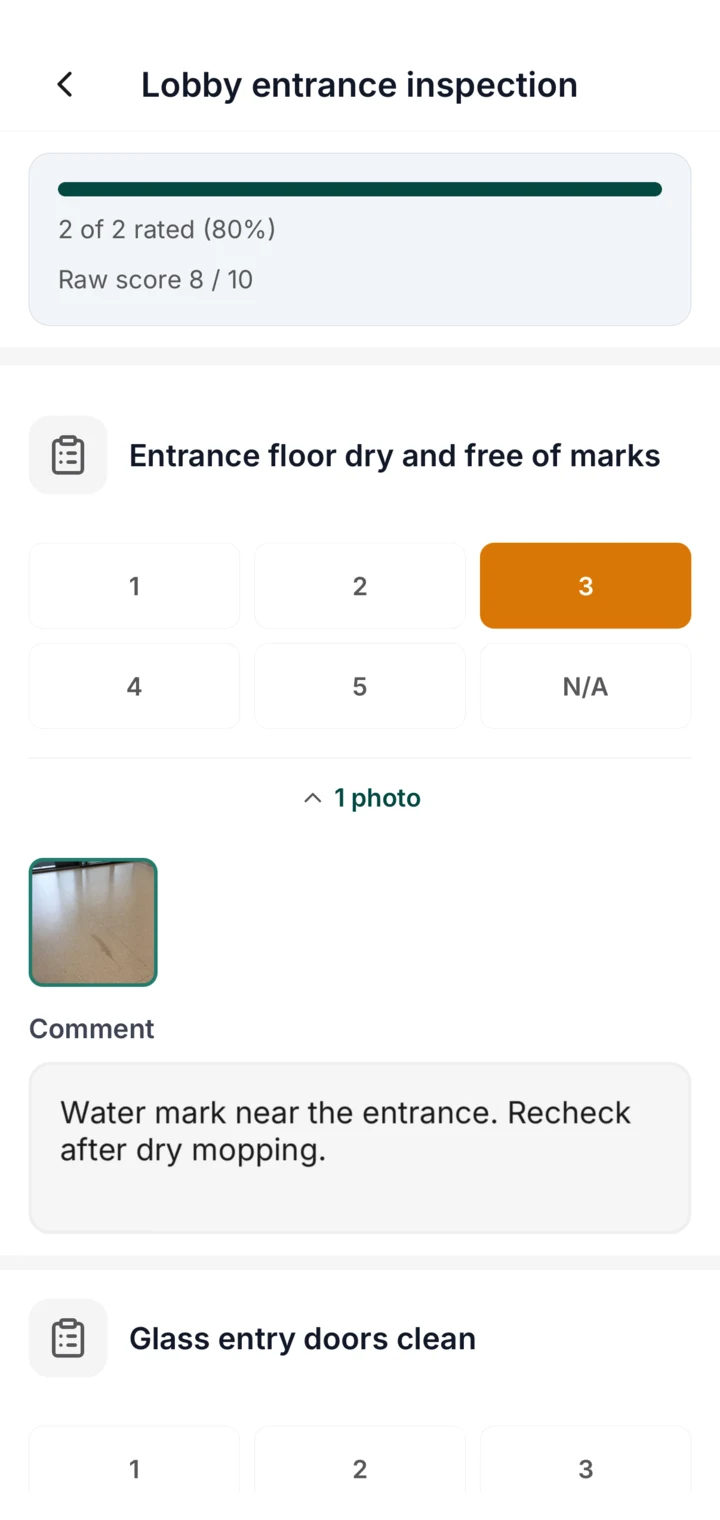
- Checklists
- Tick off tasks, attach photos, and flag issues without leaving the floor.
- Chat
- Team chat and notifications keep you and your supervisor on the same page.
Getting started
Up and running in three steps.
Download the app
Free on iPhone and Android. Install it in under a minute.
Sign in
Use the email or phone number your manager invited you with. A one-time code confirms it is you.
Clock in
GPS or QR at your site. Your first shift is ready.
Questions
Questions cleaners ask.
What if there is no signal on site?
Clock-ins and work-order updates are saved on the phone and upload when it reconnects. You keep working.
Which languages does the app support?
English, Spanish, Malay, and Chinese. Choose a language on the sign-in screen. Once you are signed in, the app follows the language on your profile.
How do I sign in?
Use the email address or phone number on your manager's invitation. A one-time code confirms it is you. There is no password to remember.
Does the app cost anything?
No. The app is free to download, and you sign in with your company's CleanLog account.
I manage a team. What can I do in the app?
Approve shift claims, timesheets, and submitted forms from the Actions list, and see scores, work orders, and inspections for your sites. Building the weekly schedule and account settings stay on the web dashboard.
Managing a team? See the manager side.
Request a demo and we will walk through scheduling, attendance, and work orders with your sites in mind.